CIBC Online Banking Website & Mobile Banking app UI Kits
Mission
To build separate Figma UI Kits tailored for the existing CIBC Online Banking website and the CIBC Mobile App.
What I Have Accomplished
Created three distinct Figma UI Kits: one for the CIBC Online Banking website (desktop), and two platform-specific kits for the CIBC Mobile Banking app—tailored for Android and iOS interfaces.
My Role
As a Senior Design System Designer, I developed these three UI Kits by analyzing the most commonly used user flows across CIBC’s online and mobile banking platforms. This research informed a scalable and practical UI Kit structure designed to effectively support and illustrate those high-traffic user journeys.
Work Samples
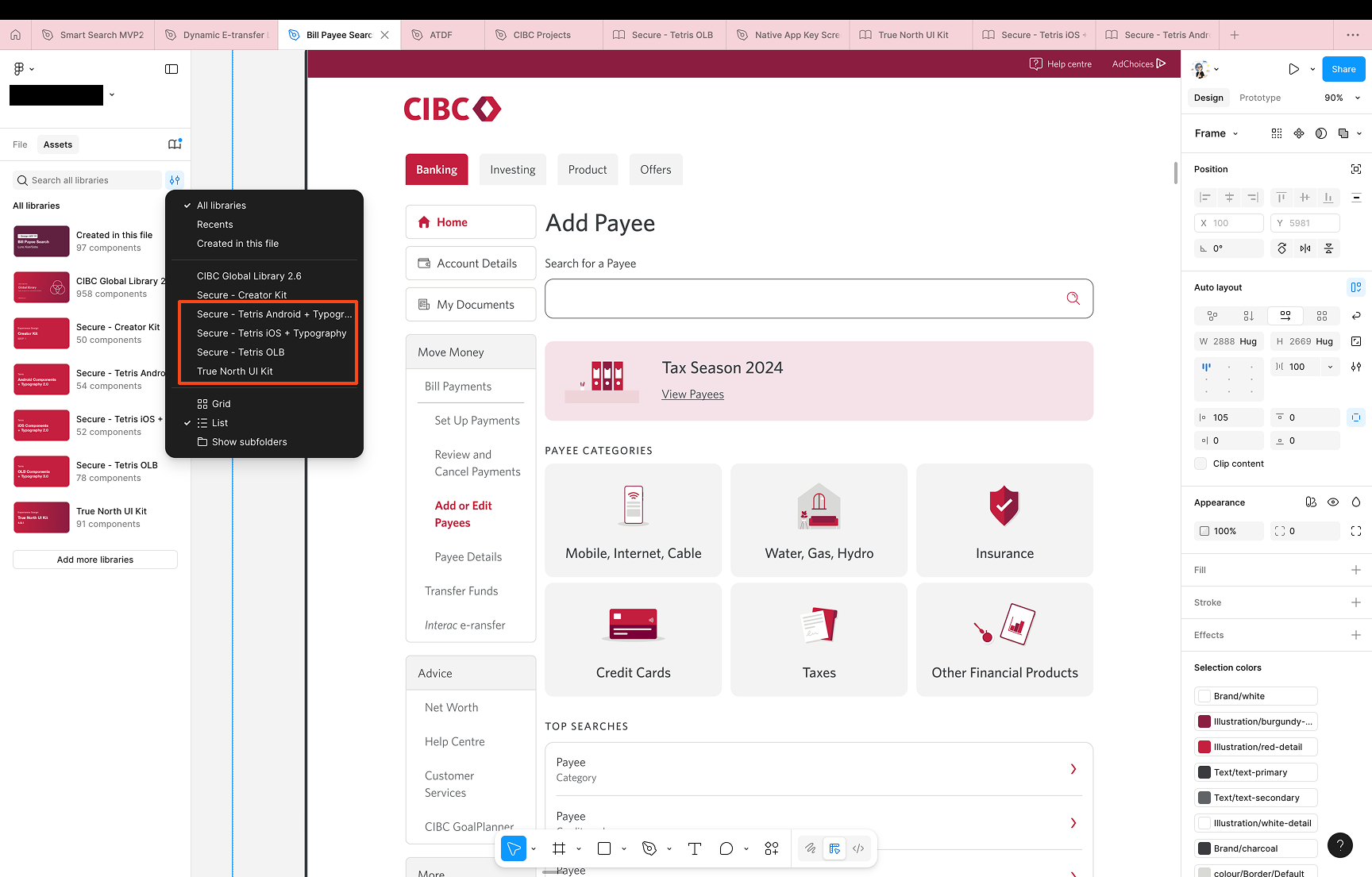
The below screenshot displays how user would apply all the UI kits or libraries that I have built whenever they are working on a UI project.
The below series of screenshots displaying the UI components that I have built for CIBC's online banking website and mobile app.
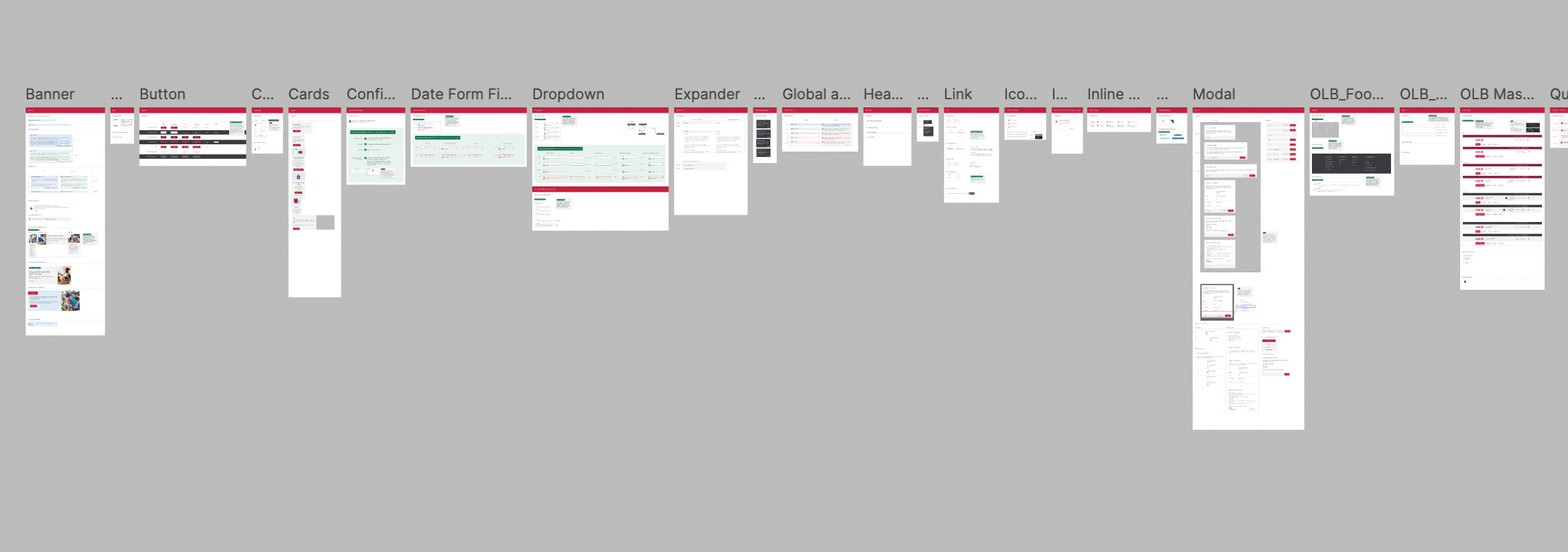
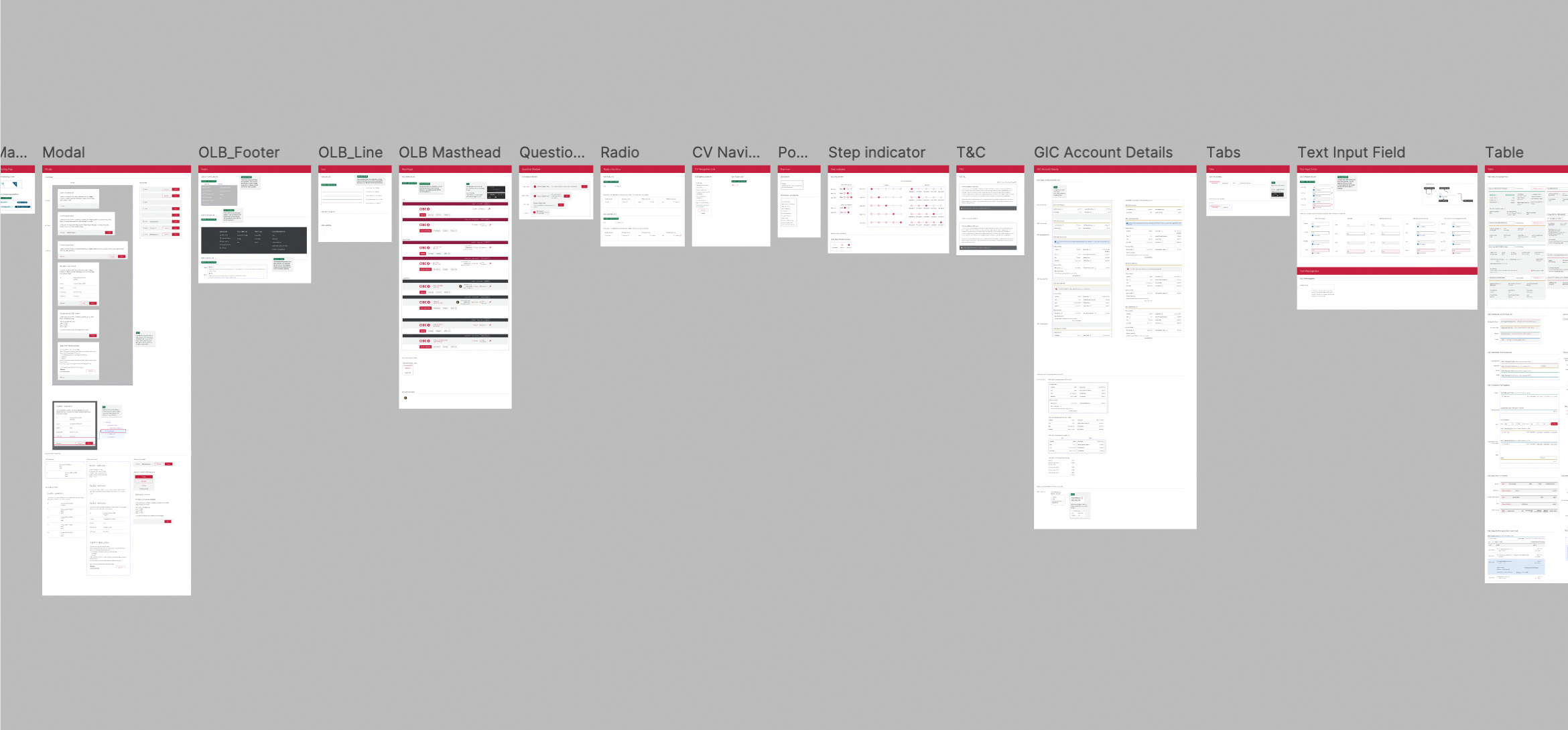
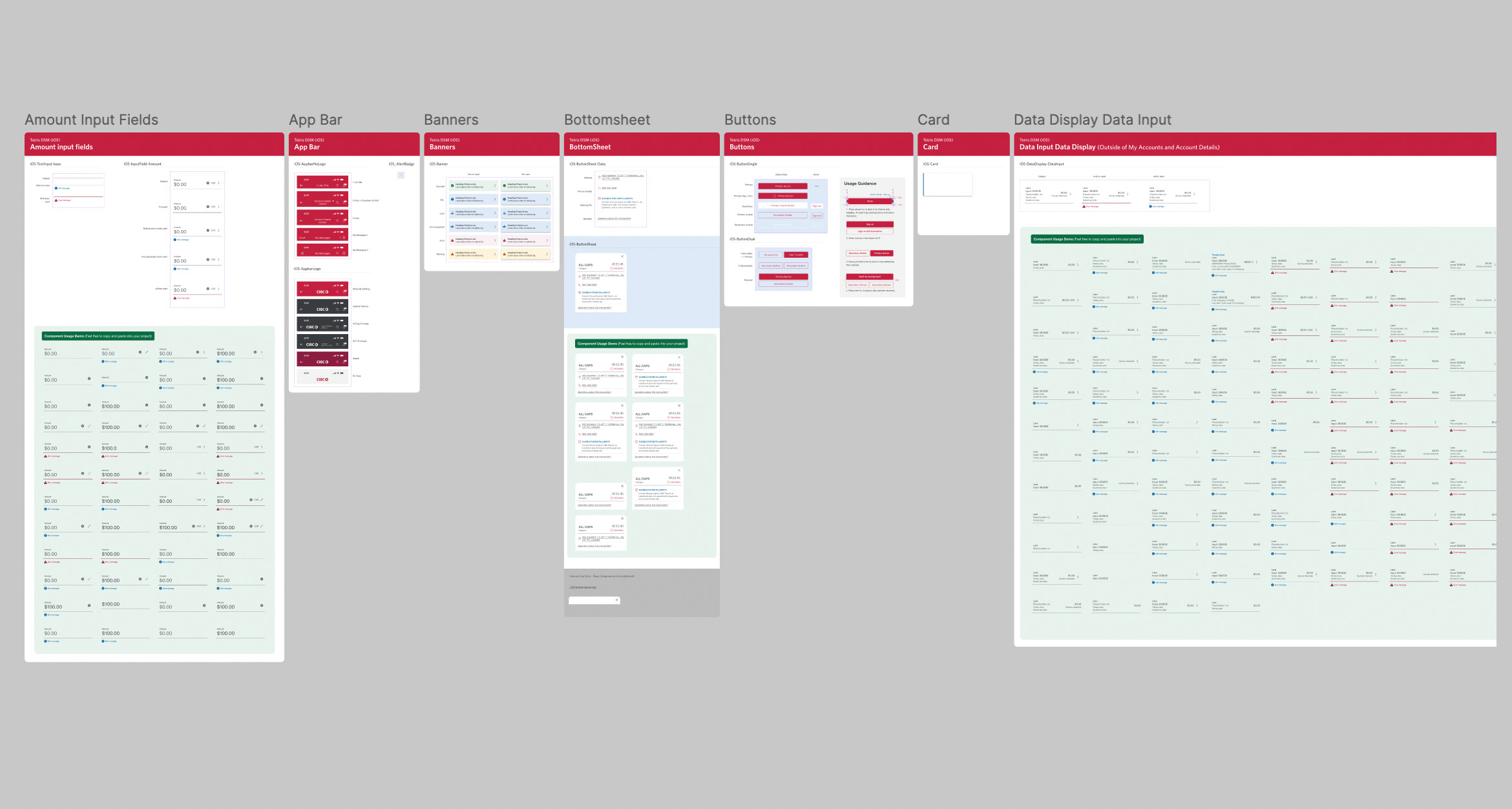
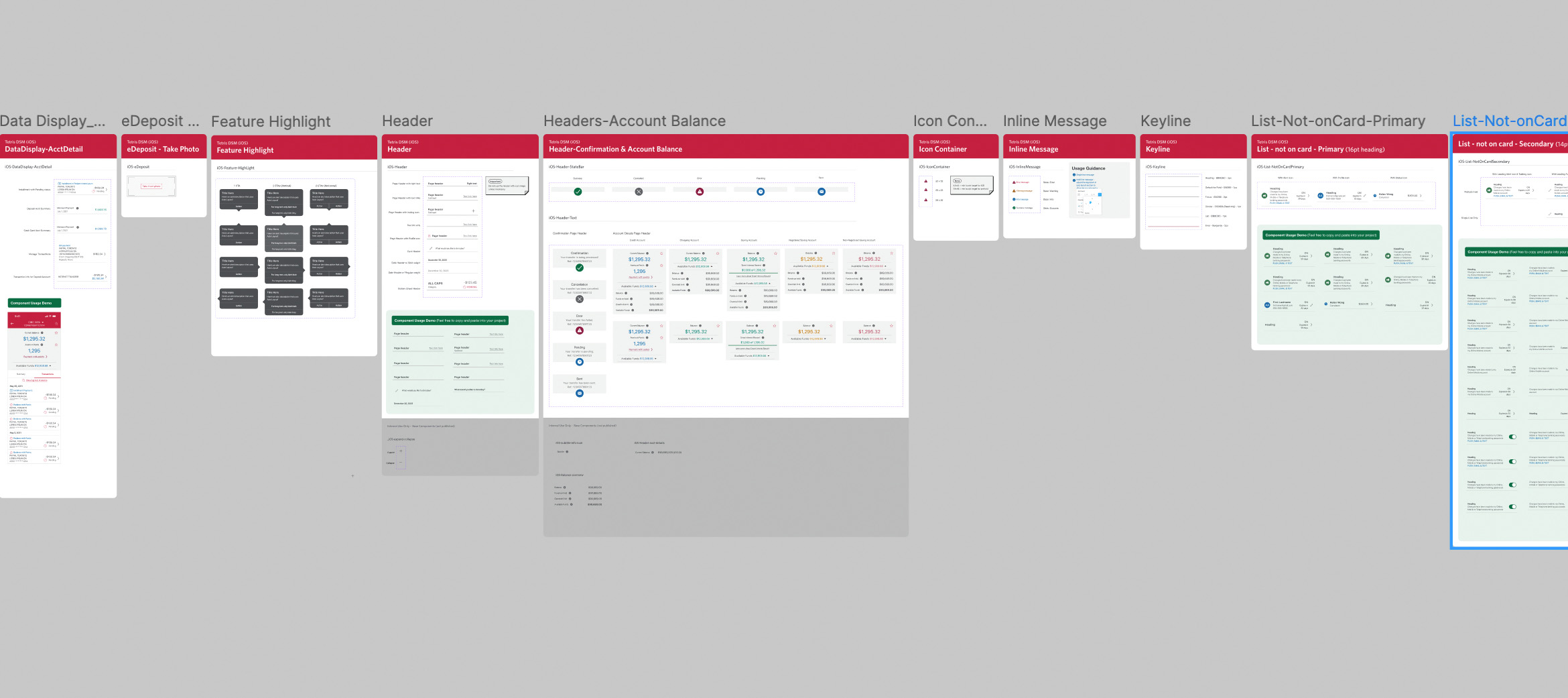
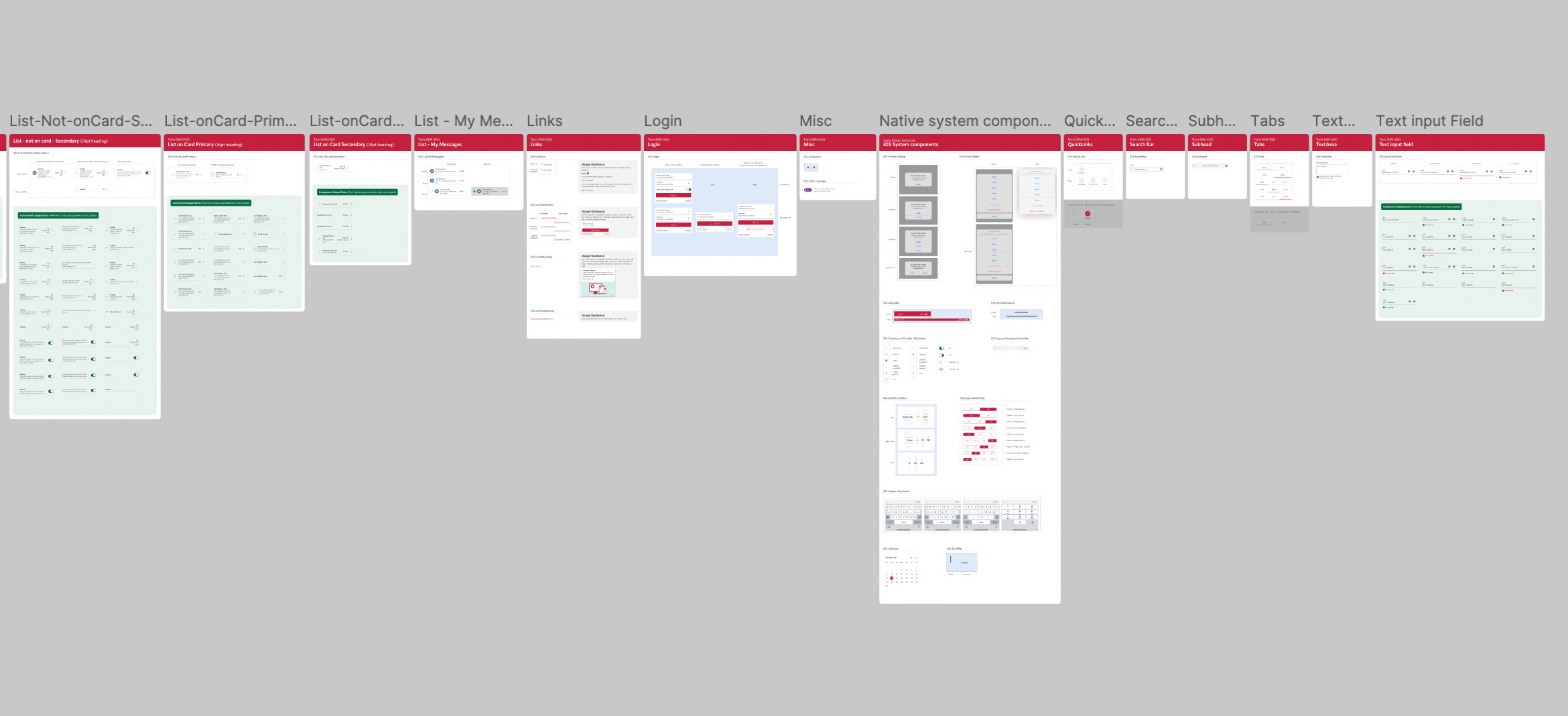
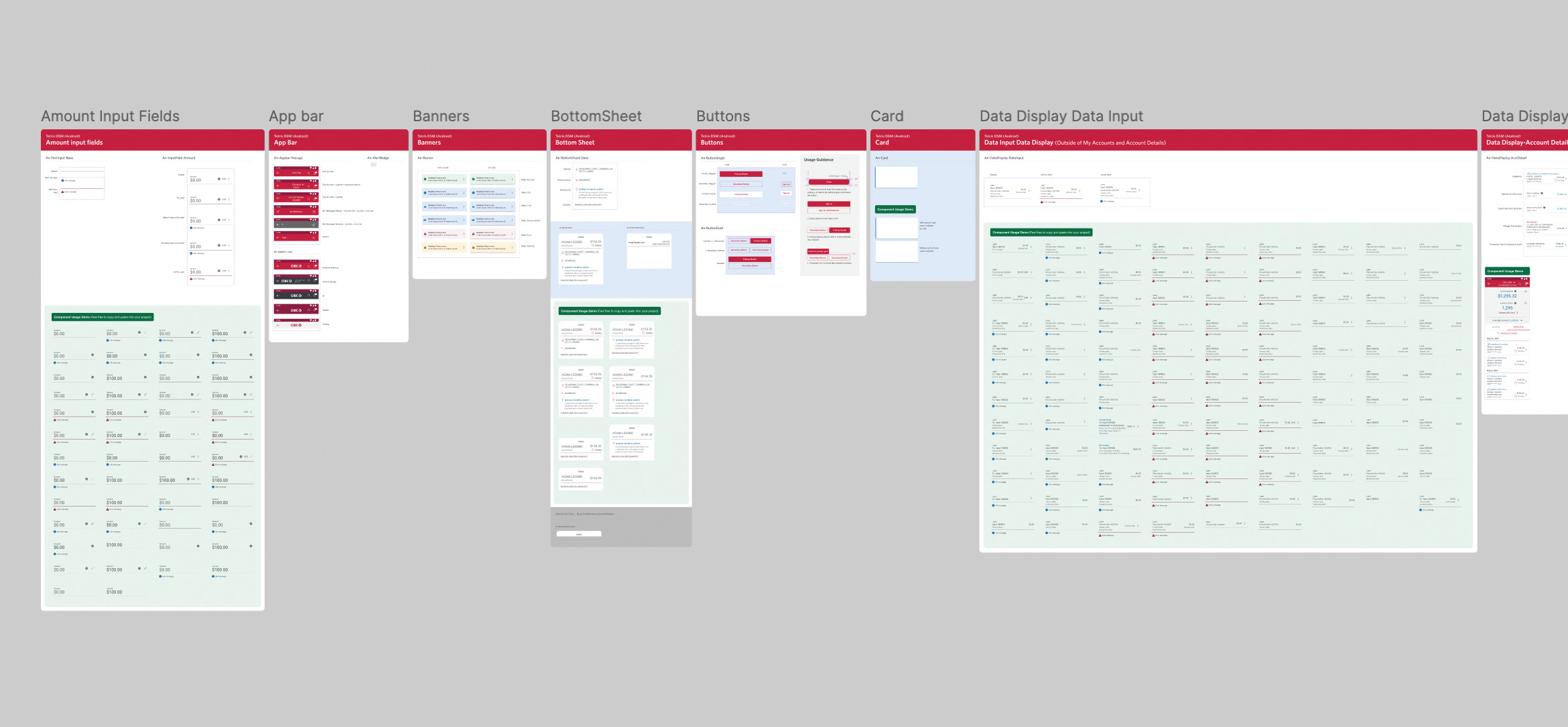
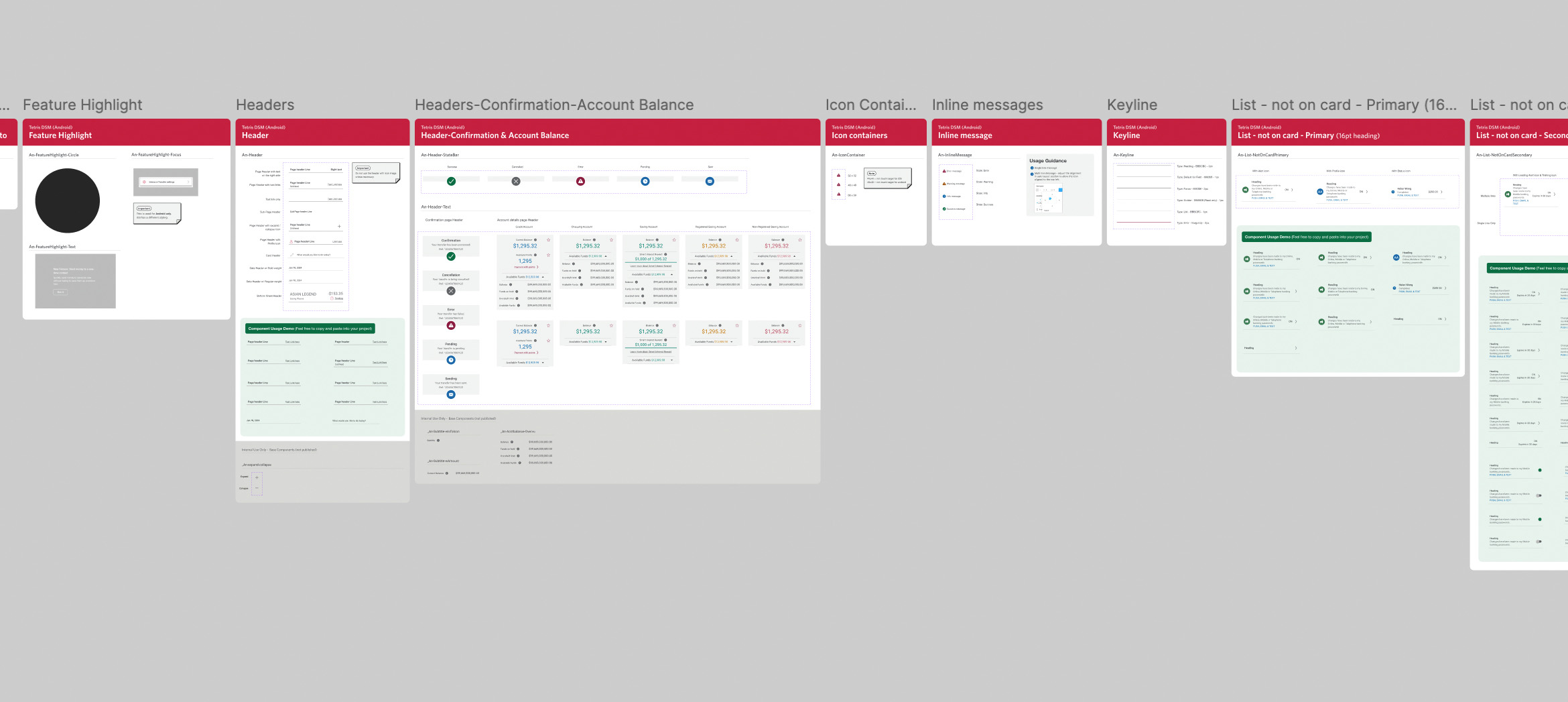
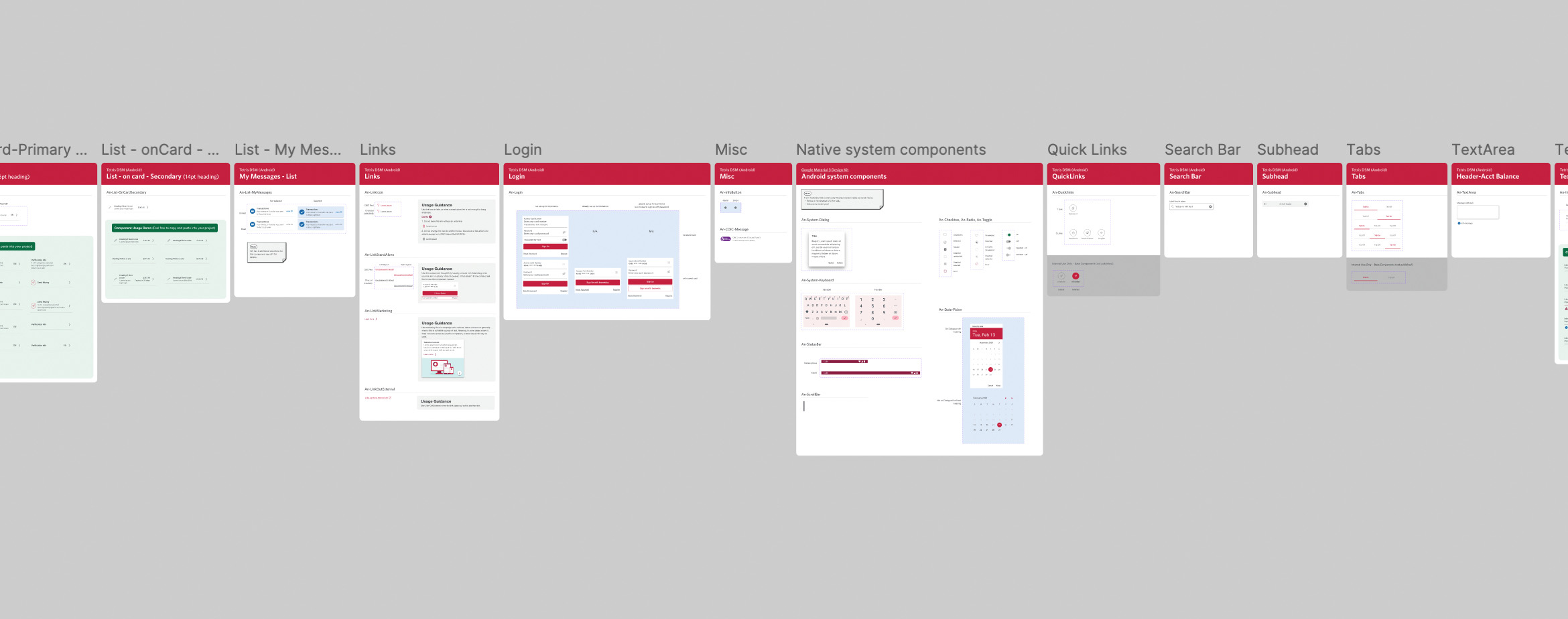
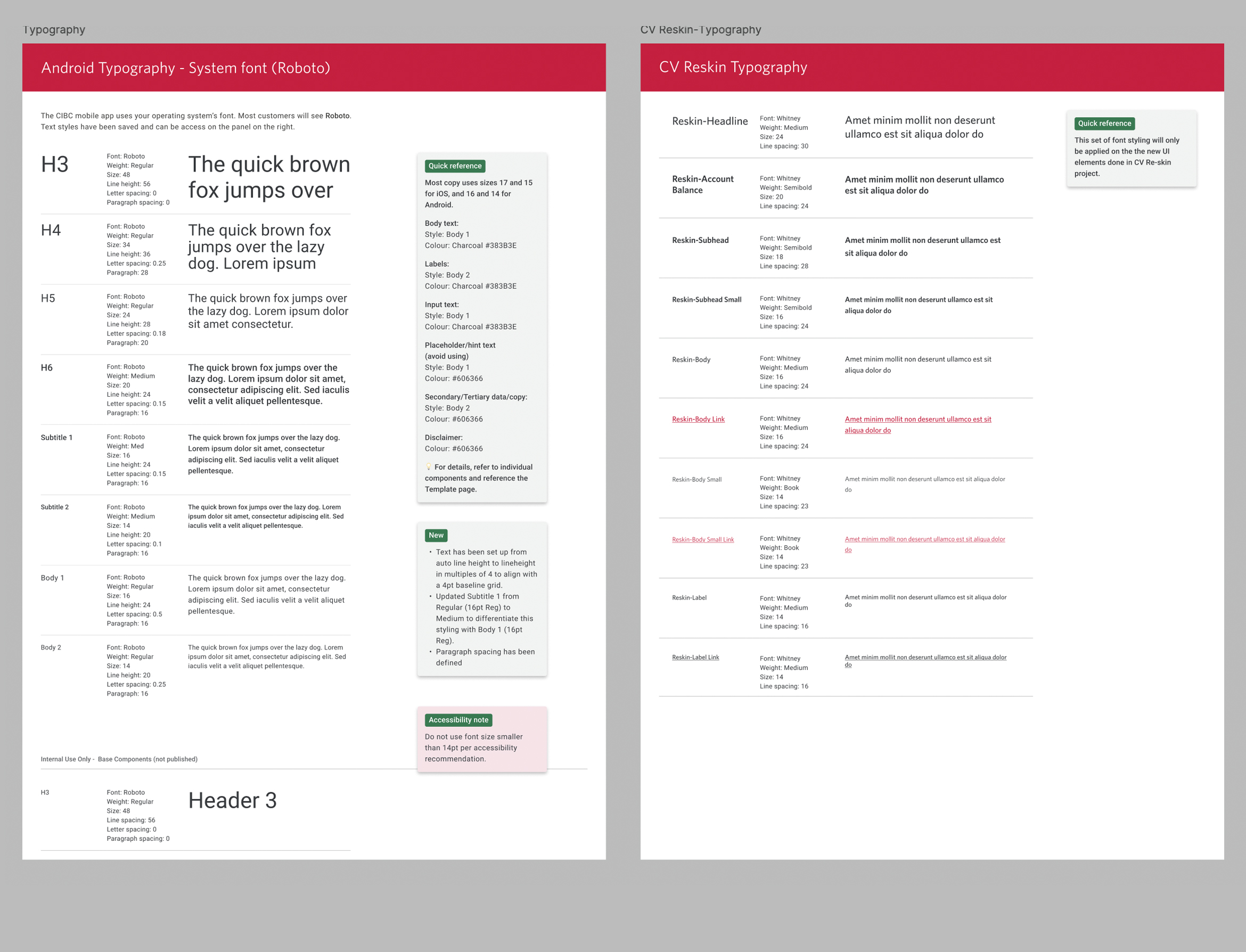
The following carousel provides a detailed look at a few Web UI components that I've developed for this kit. Each frame highlights a component’s name and usage guidelines. For some components also comes with component demo.
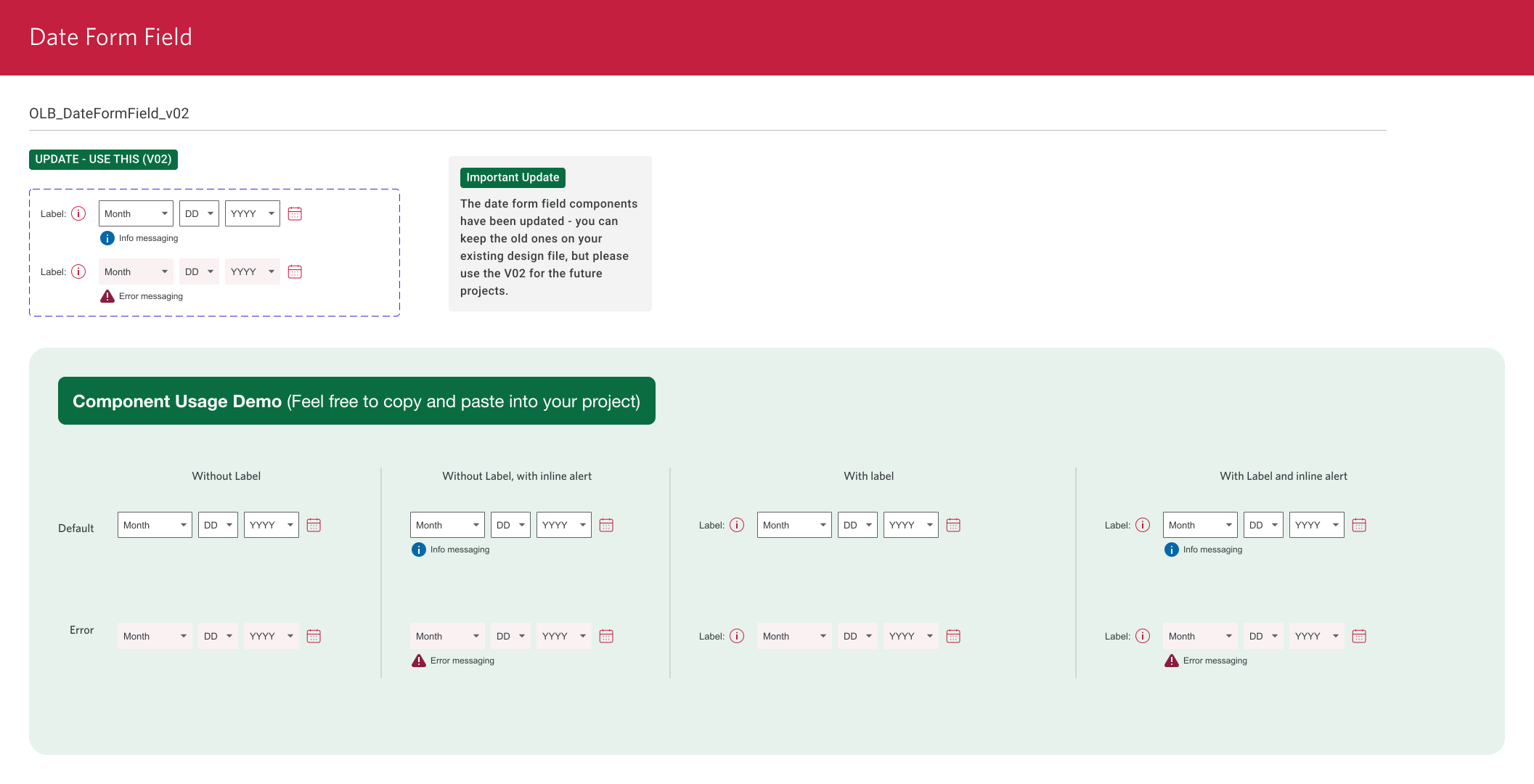
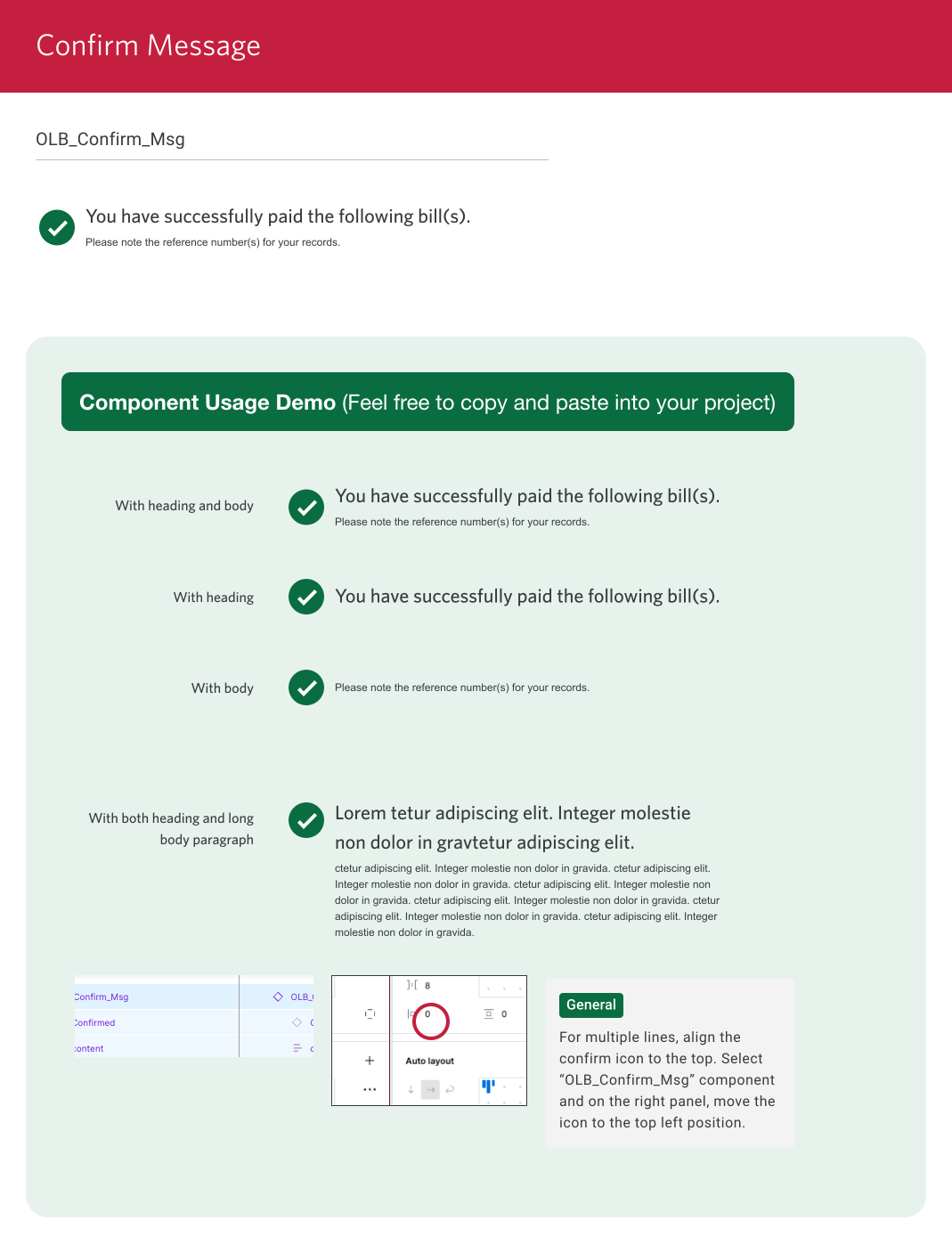
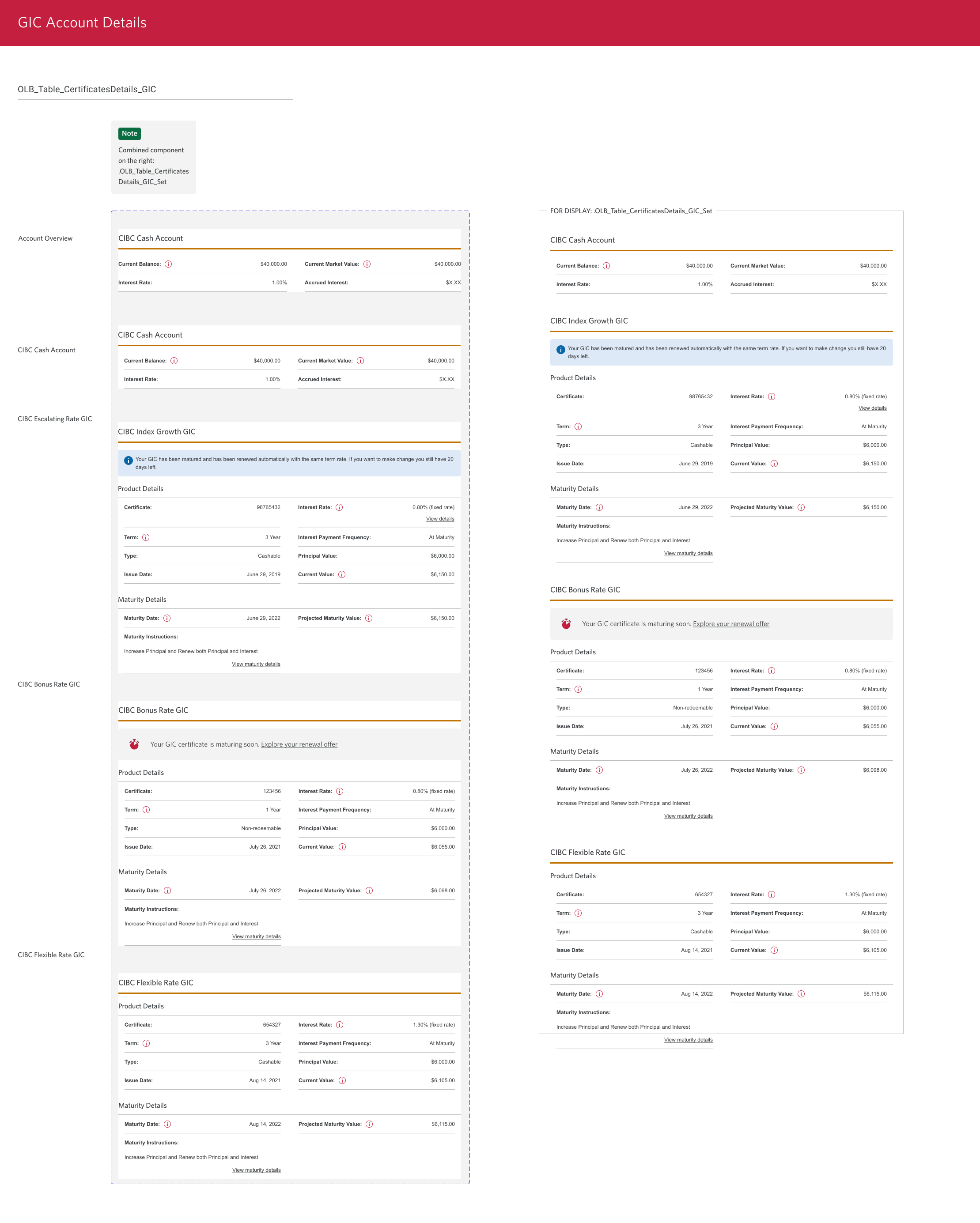
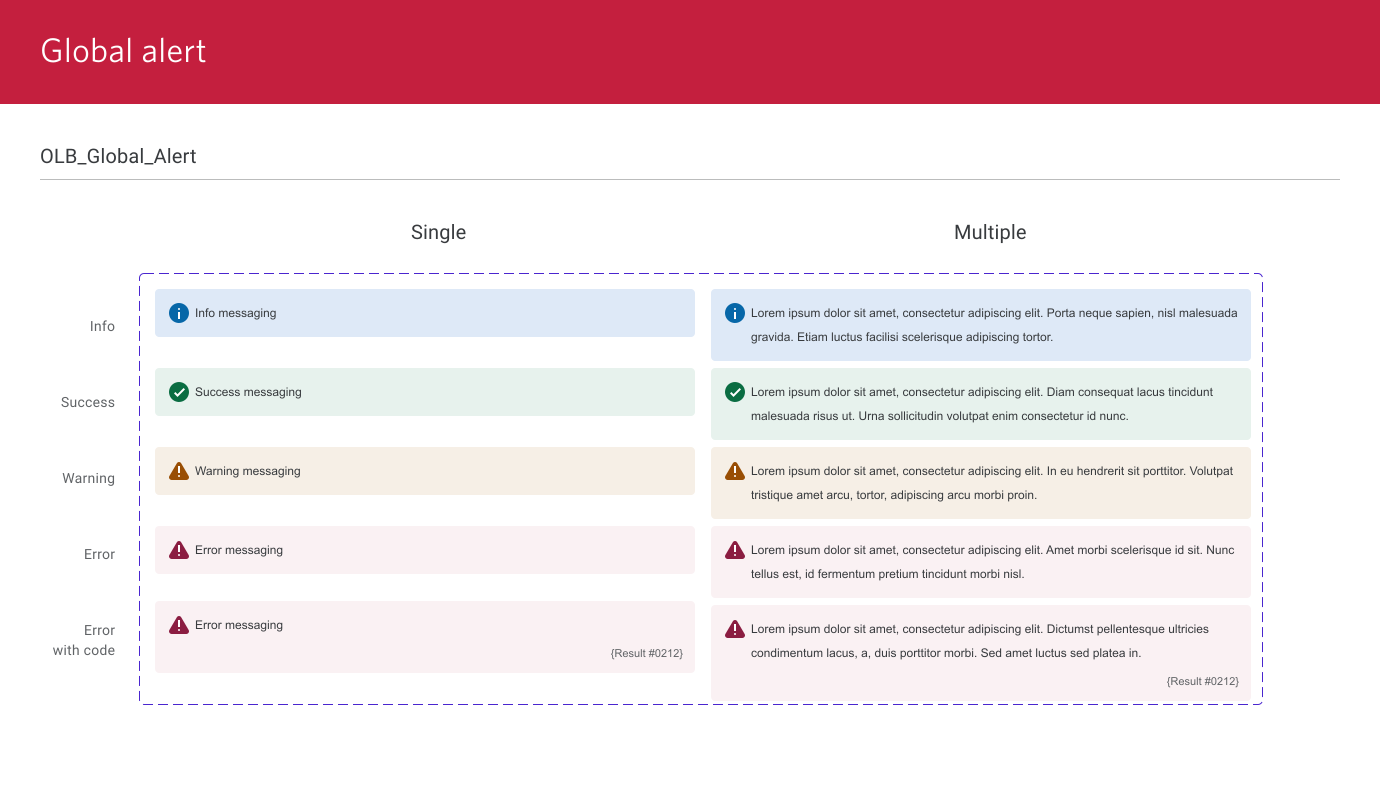
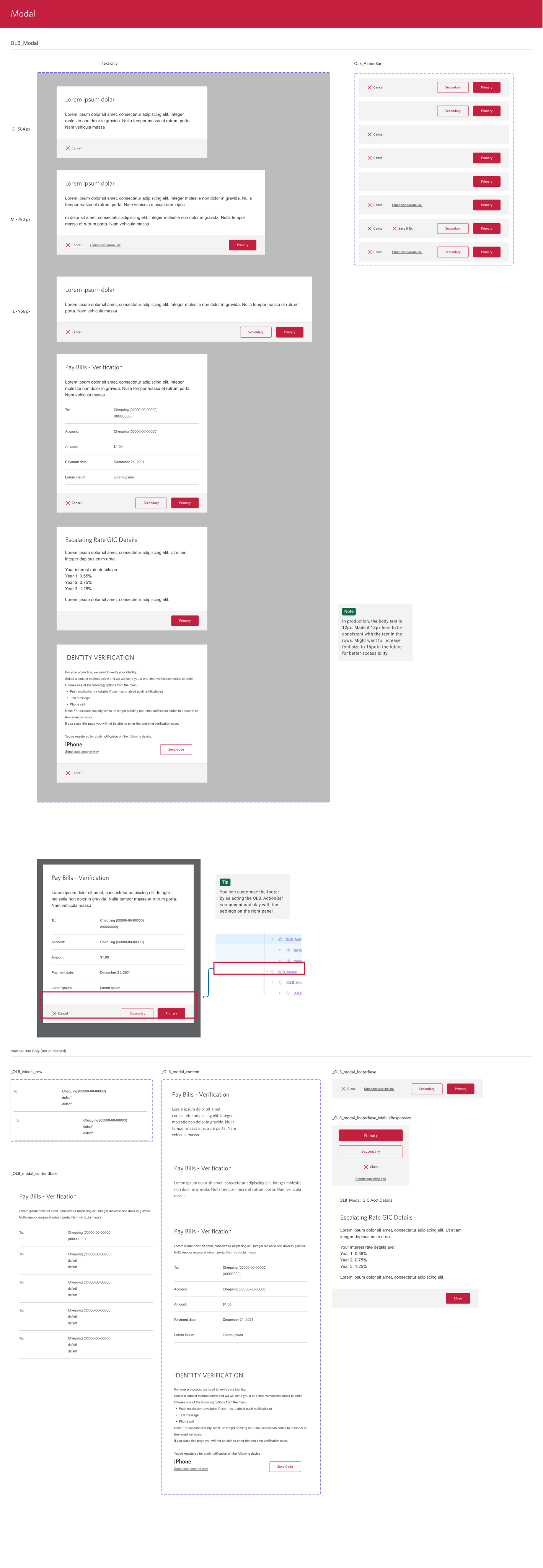
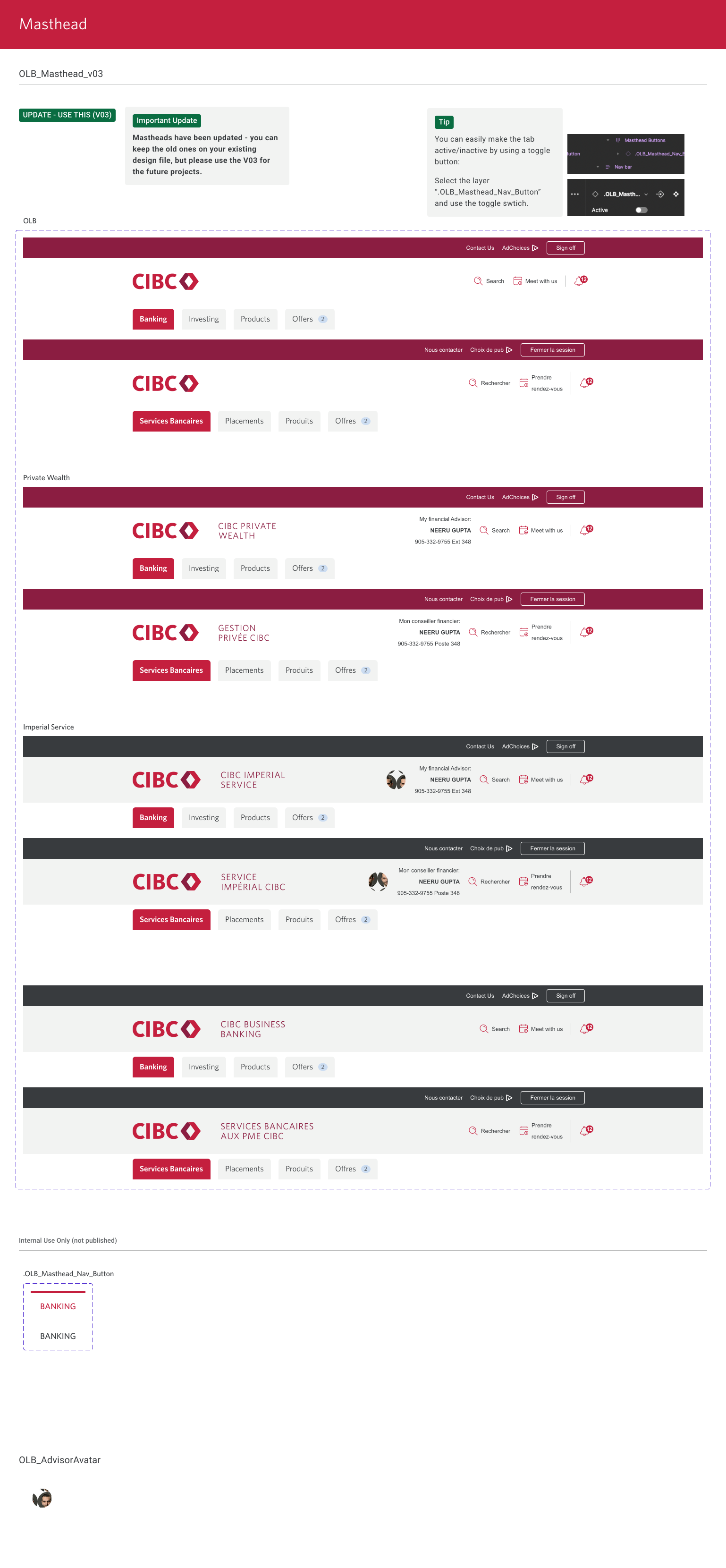
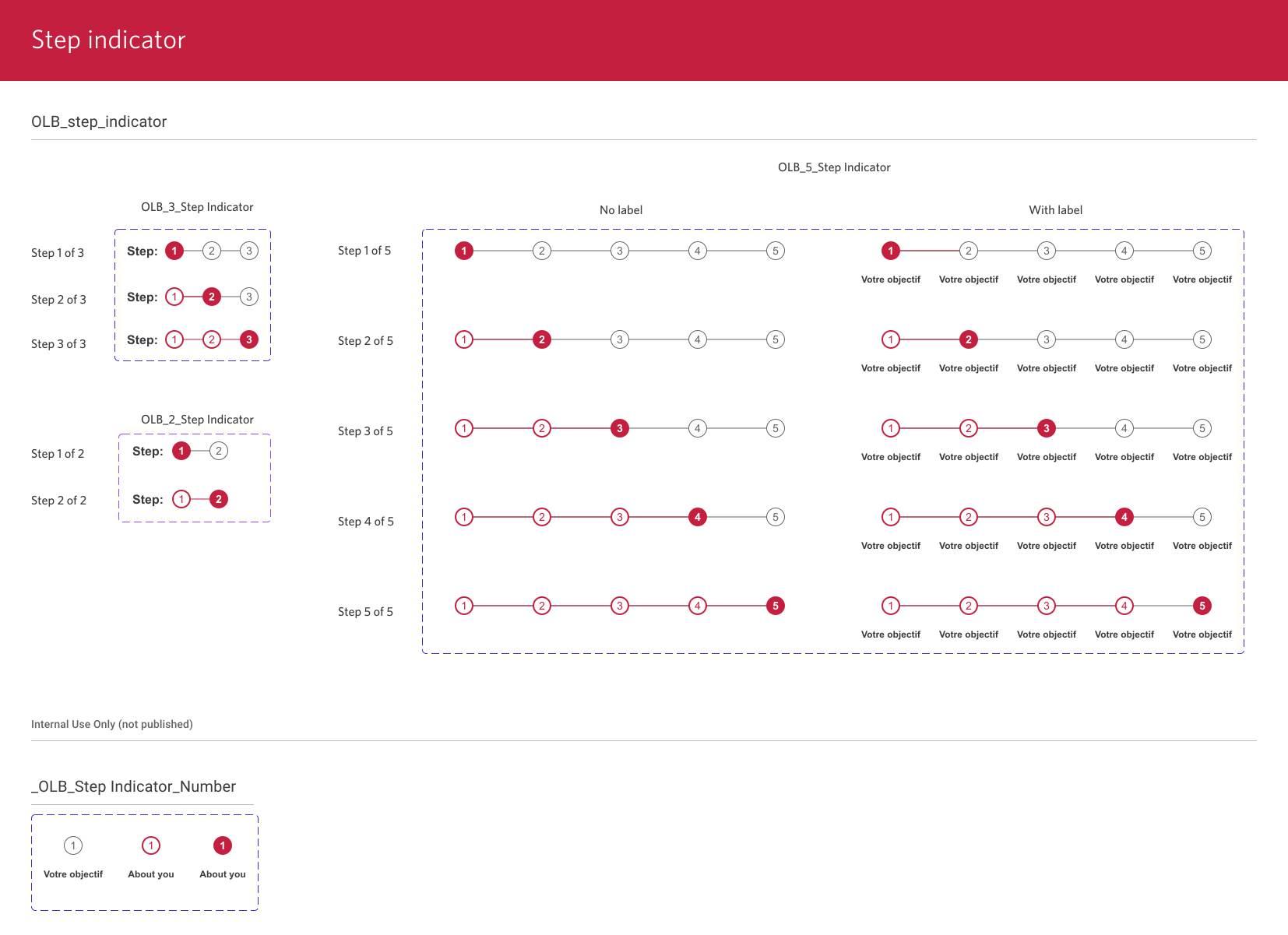
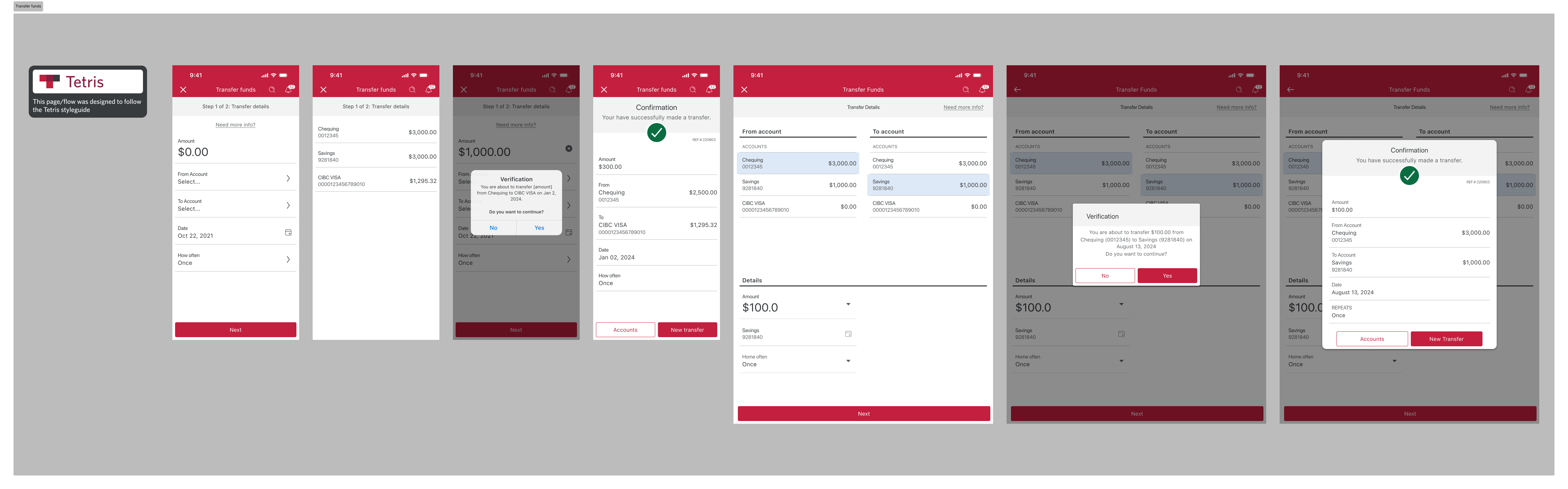
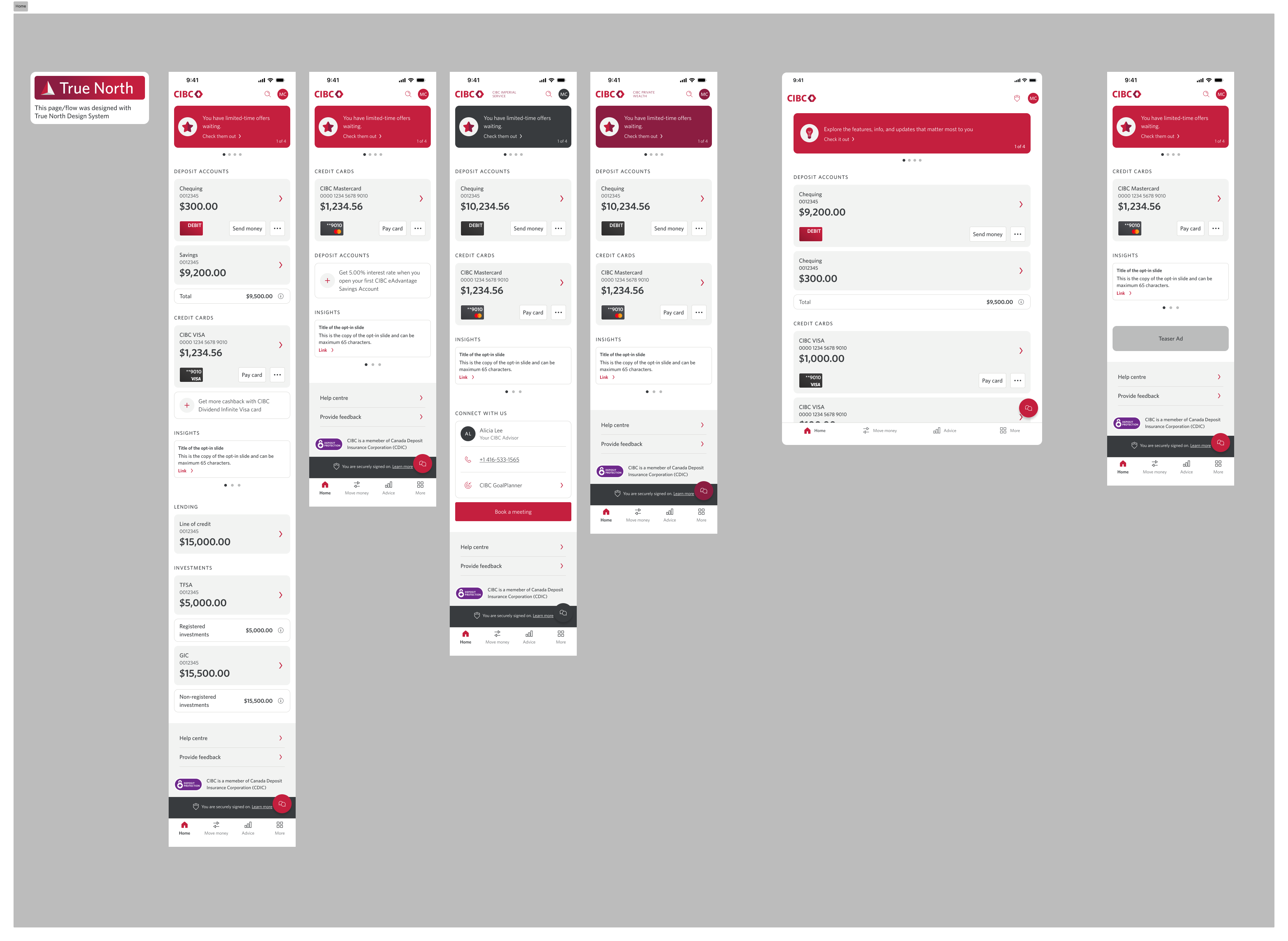
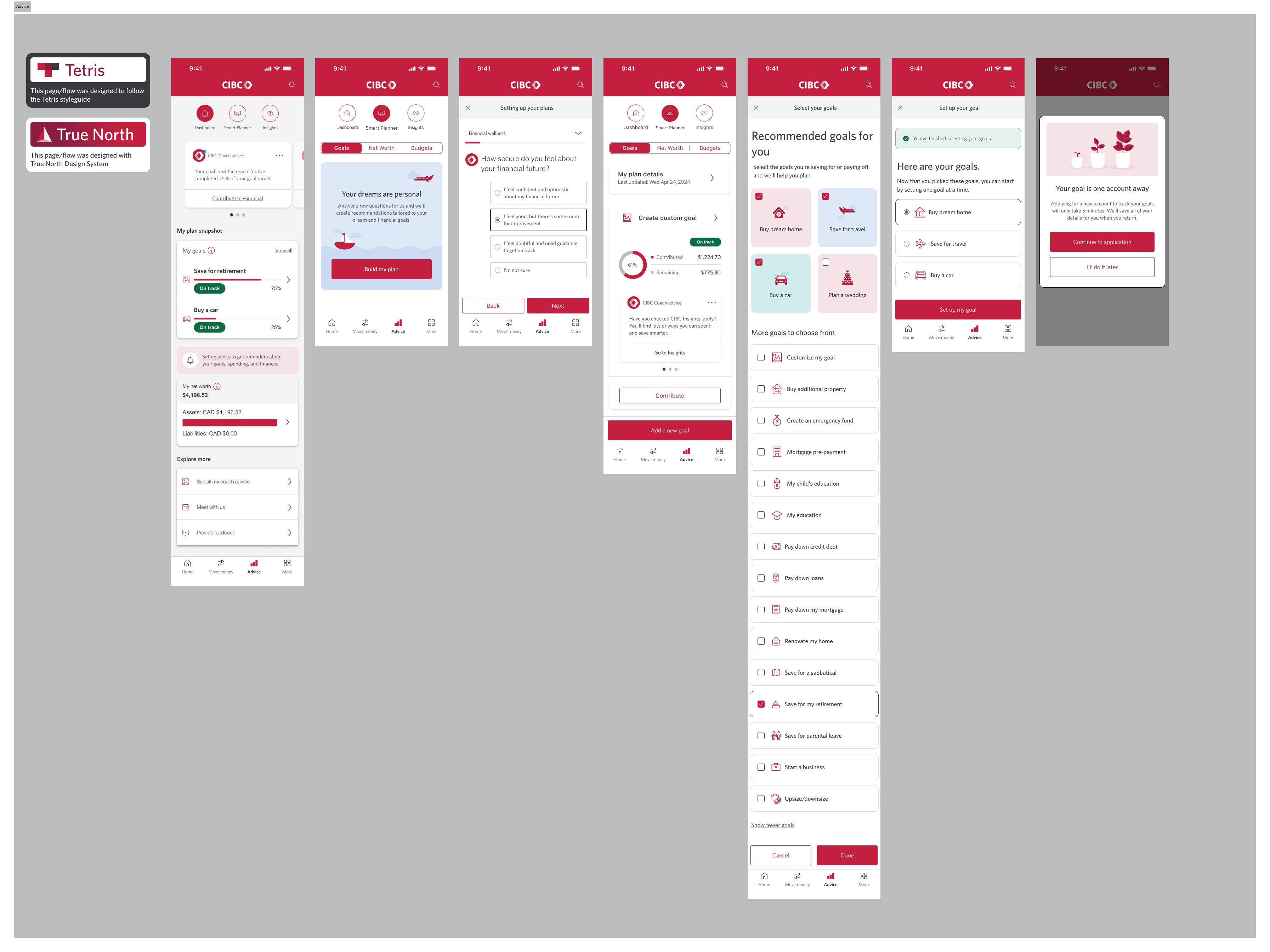
To help speed up the UI mockup during the UI/UX design phase, my teammates and I have also built a series of UI mockups such as what have shown below using the components from Tetris UI Kit that I have built. These mockups also serve as good examples to show product designers on how to apply UI components correctly from the built UI Kits.